
Website page speed affects much more than a score in an online testing tool. A slow or unstable website can frustrate visitors, make mobile navigation difficult, reduce conversions, and weaken the overall experience of using the site.
Google also considers page experience as part of its search systems. Today, the conversation about website speed goes beyond how many seconds a page takes to load. Google evaluates real-world user experience through Core Web Vitals, including loading performance, responsiveness, and visual stability.
For a local business, the objective should not be to chase a perfect testing score at the expense of the website. The goal is to build a fast, usable site that looks professional, communicates clearly, and makes it easy for customers to take action.
Page performance should therefore be considered as part of good web design rather than something added after the website is finished.
What Are Core Web Vitals?
Core Web Vitals are metrics Google uses to evaluate important parts of a visitor’s real-world experience on a webpage.
The current Core Web Vitals are:
- Largest Contentful Paint (LCP) measures loading performance. Google recommends an LCP of 2.5 seconds or less for a good experience.
- Interaction to Next Paint (INP) measures how quickly a page responds when someone interacts with it. Google recommends an INP below 200 milliseconds.
- Cumulative Layout Shift (CLS) measures unexpected movement of visible elements while a page is loading. Google recommends a CLS of 0.1 or less.
These measurements are useful because a page can appear to load quickly while still providing a poor experience. A visitor may see the page but be unable to interact with it immediately, or buttons and text may shift while the visitor is trying to use them.
Google provides additional information about Core Web Vitals and Google Search.
Page Speed Is Important, but It Is Not the Entire SEO Strategy
Website owners sometimes become overly focused on achieving a 100 performance score.
A fast website is important, but Google specifically advises site owners to consider the overall page experience rather than focusing on only one or two measurements. Relevant content, mobile usability, security, clear navigation, useful information, and other factors still matter.
A website with excellent speed scores will not automatically outrank a more useful and relevant competitor. Likewise, a strong website should not be unnecessarily slowed down by features that provide little benefit to the customer.
The practical goal is balance: make the site as efficient as reasonably possible while keeping the design and functionality that help visitors understand and trust the business.
Optimize Images Before They Reach the Website
Large image files remain one of the most common reasons business websites load slowly.
Modern websites can often use efficient formats such as WebP or AVIF in addition to traditional JPEG and PNG files. Images should also be resized to dimensions appropriate for how they will actually be displayed.
Uploading a 5000-pixel photograph and displaying it at 600 pixels wide forces the visitor to download far more data than necessary.
Image optimization can include:
- Resizing images before upload.
- Compressing files without creating noticeable quality loss.
- Using modern image formats when appropriate.
- Serving responsive image sizes for different devices.
- Lazy-loading images that are farther down the page.
- Avoiding unnecessary decorative images that add weight without improving the page.
Be Careful With Video Backgrounds and Large Hero Media
Large hero images and background videos can look impressive on a desktop screen, but they can also become some of the heaviest elements on a webpage.
Video backgrounds should be used selectively. On mobile devices, the video may be cropped dramatically, text may become difficult to read, and the additional file size may slow the first meaningful view of the page.
If movement does not help explain the business or improve the customer’s experience, a well-designed static image may be the better choice.
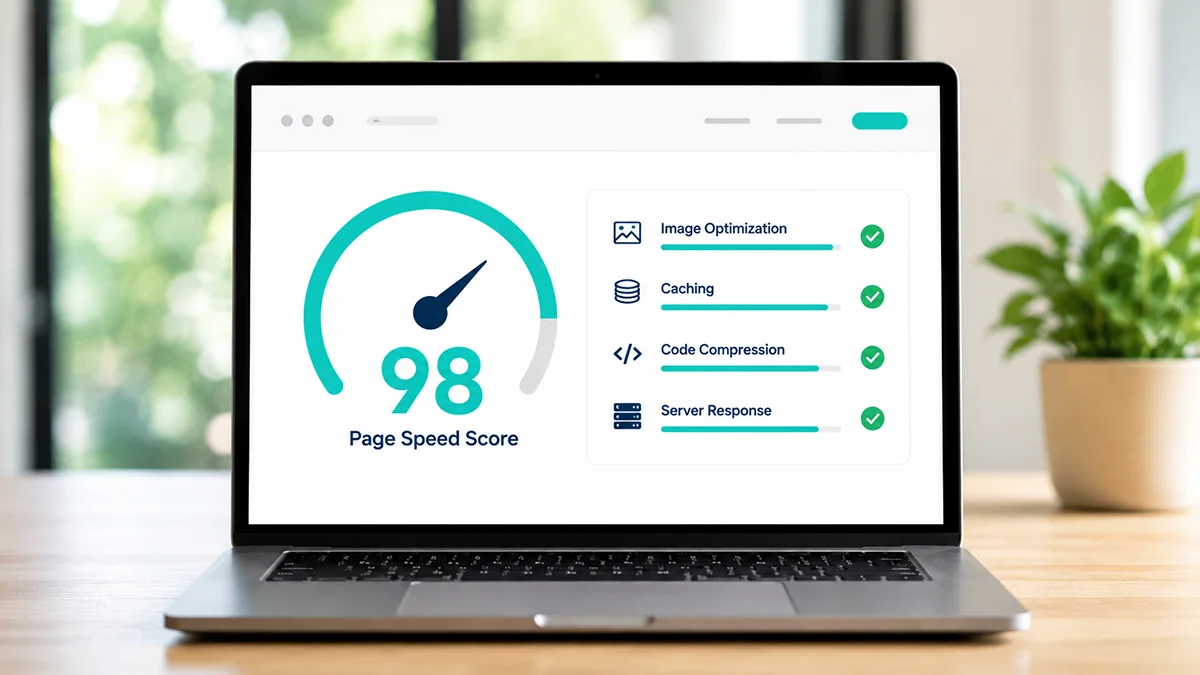
Reduce Unnecessary JavaScript and CSS
Modern websites often load code from themes, plugins, analytics systems, advertising platforms, chat tools, form systems, social networks, fonts, and other third-party services.
Each individual feature may seem small, but together they can create a significant amount of JavaScript and CSS that the browser must download, process, and execute.
Some of this code is necessary. Some may be loading on pages where it is never used.
Performance work can include removing unused plugins or scripts, delaying nonessential JavaScript, reducing render-blocking resources, combining or minimizing files where appropriate, and making sure important content is given priority during the initial page load.
Use Caching Effectively
Caching allows previously generated or downloaded resources to be reused rather than rebuilt or downloaded every time someone visits a page.
Different forms of caching can operate at the browser, website, server, or content-delivery-network level.
A properly configured cache can reduce server work and make repeat visits and subsequent page loads noticeably faster. However, caching should be tested carefully so visitors do not receive outdated pages or broken versions of dynamic website features.
Server Performance Still Matters
A website cannot load quickly if the server takes too long to begin responding.
Server performance can be affected by hosting quality, available resources, traffic, database performance, website software, plugins, PHP configuration, caching, and other technical factors.
Moving a poorly optimized website to a faster server will not fix every problem, but good hosting gives the website a stronger foundation.
For WordPress websites in particular, excessive plugins, inefficient database queries, poorly coded themes, and outdated software can all increase the amount of work required before the browser receives the page.
Use a CDN When It Makes Sense
A content delivery network, or CDN, can distribute copies of website resources across multiple geographic locations.
Instead of every visitor retrieving every file from one server, static resources may be delivered from infrastructure closer to the visitor.
A CDN can also provide additional benefits such as caching, image optimization, traffic filtering, and security features. It is not necessary for every small website, but it can be useful when properly configured.
Fonts Can Affect Page Speed Too
Typography is an important part of website design, but loading many font families, weights, and styles can add unnecessary requests and delay how quickly text appears.
Most business websites do not need a large collection of fonts. Using a limited number of carefully selected font files can improve consistency while reducing page weight.
Fonts that are required immediately should be loaded efficiently, while unnecessary variations should be removed.
Test Mobile and Desktop Separately
A website can perform very differently on a desktop computer and a mobile phone.
Mobile testing is especially important because phones may have slower processors, smaller screens, and less reliable network connections than a desktop computer connected to high-speed internet.
Google’s PageSpeed Insights evaluates both mobile and desktop performance and can provide laboratory diagnostics along with real-world Chrome user data when enough data is available.
You can test individual pages with Google PageSpeed Insights.
Understand Lab Data and Real-World Data
One reason speed reports can sometimes appear confusing is that different measurements may be showing different things.
Laboratory testing simulates a page load under controlled conditions. This is useful for diagnosing technical problems and comparing changes.
Field data reflects the experience of actual Chrome users over time. That means a website can receive a disappointing laboratory score during one test while real visitors are experiencing acceptable Core Web Vitals, or the opposite can occur.
Rather than reacting to one isolated test, performance should be evaluated using several measurements and repeated after meaningful changes.
Don’t Break the Website to Improve a Speed Score
Performance optimization involves tradeoffs.
A caching or optimization setting that improves a testing score but breaks a form, menu, gallery, tracking system, or other important feature is not an improvement.
The same applies to removing useful content or design elements solely to make a numerical score increase.
Changes should be tested on desktop and mobile and evaluated from the perspective of an actual customer.
Page Speed and Local SEO Work Together
For a local business, website performance supports a larger local SEO strategy.
A prospective customer arriving from Google should be able to quickly understand the service, location, and company without waiting for oversized media or unnecessary scripts to finish loading.
Fast pages can also make it easier for visitors to move through service pages, location pages, reviews, FAQs, and contact forms.
The objective is not simply to please a speed-testing tool. It is to remove unnecessary friction between a search and a potential customer.
Website Page Speed Is an Ongoing Process
Website performance can change as new images, plugins, scripts, advertising tags, videos, forms, and other features are added.
That is why speed should be reviewed periodically rather than treated as a one-time project.
A strong website balances design, functionality, content, search visibility, and performance. When those elements work together, visitors get a better experience and the website has a stronger foundation for generating business.
If you need help improving an older website or building a faster, mobile-friendly replacement, learn more about ProEngage Local’s web design services or contact us.
Website Page Speed FAQ
Does page speed affect Google rankings?
Page experience can contribute to success in Google Search, and Google says Core Web Vitals are used by its ranking systems. However, speed is only one part of the overall search experience, and achieving a perfect performance score does not guarantee higher rankings.
What are the three Core Web Vitals?
The current Core Web Vitals are Largest Contentful Paint (LCP), which measures loading performance; Interaction to Next Paint (INP), which measures responsiveness; and Cumulative Layout Shift (CLS), which measures visual stability.
What is a good PageSpeed Insights score?
A high performance score can be useful, but the score should not be the only goal. Real-world Core Web Vitals, usability, functionality, and the experience of actual visitors are more important than chasing a perfect laboratory score.
Do large images slow down a website?
Yes. Images that are larger than necessary can significantly increase page weight. Resizing, compression, responsive images, modern file formats, and appropriate lazy loading can all help improve performance.
Can too many WordPress plugins slow down a website?
They can. The number of plugins alone is not the only issue, but poorly coded or unnecessary plugins may add database queries, JavaScript, CSS, external requests, and other processing that slows the website.